Make it unmistakable.
Replace a symbol or background. Supported games apply saved artwork live; older builds reload the private preview.
For the people who make slot games
A creative workspace for Engine (Stake Engine) studios. Iterate on your game’s artwork, sound and animations in a live preview, explore the math and put your AI agents to work.
7 days free. No card required.
Then €49 per editor / month + applicable taxReviewers join free.
A look inside your next creative workspace
Your next slot game should feel like yours. Meet ReelGrove: a creative workspace for Engine studios. Start with example games, then shape the art, tune the sound, and bring your symbols to life in Animation Lab. Preview your changes as you work. Explore advanced math statistics and run frontend checks before your next build. Invite your team with the permissions each person needs. Connect your AI agents through scoped MCP tools. From the first idea to the final details, keep your studio moving. Make it yours, with ReelGrove. Explore reelgrove.net.
Real editors and example games. Generated demo artwork. Preview with test credits.
Real starters. Your art direction.
Engine’s Lines and Cluster examples, rebuilt with generated Ember artwork. These are actual game replays, showing the finished symbols and background in play.
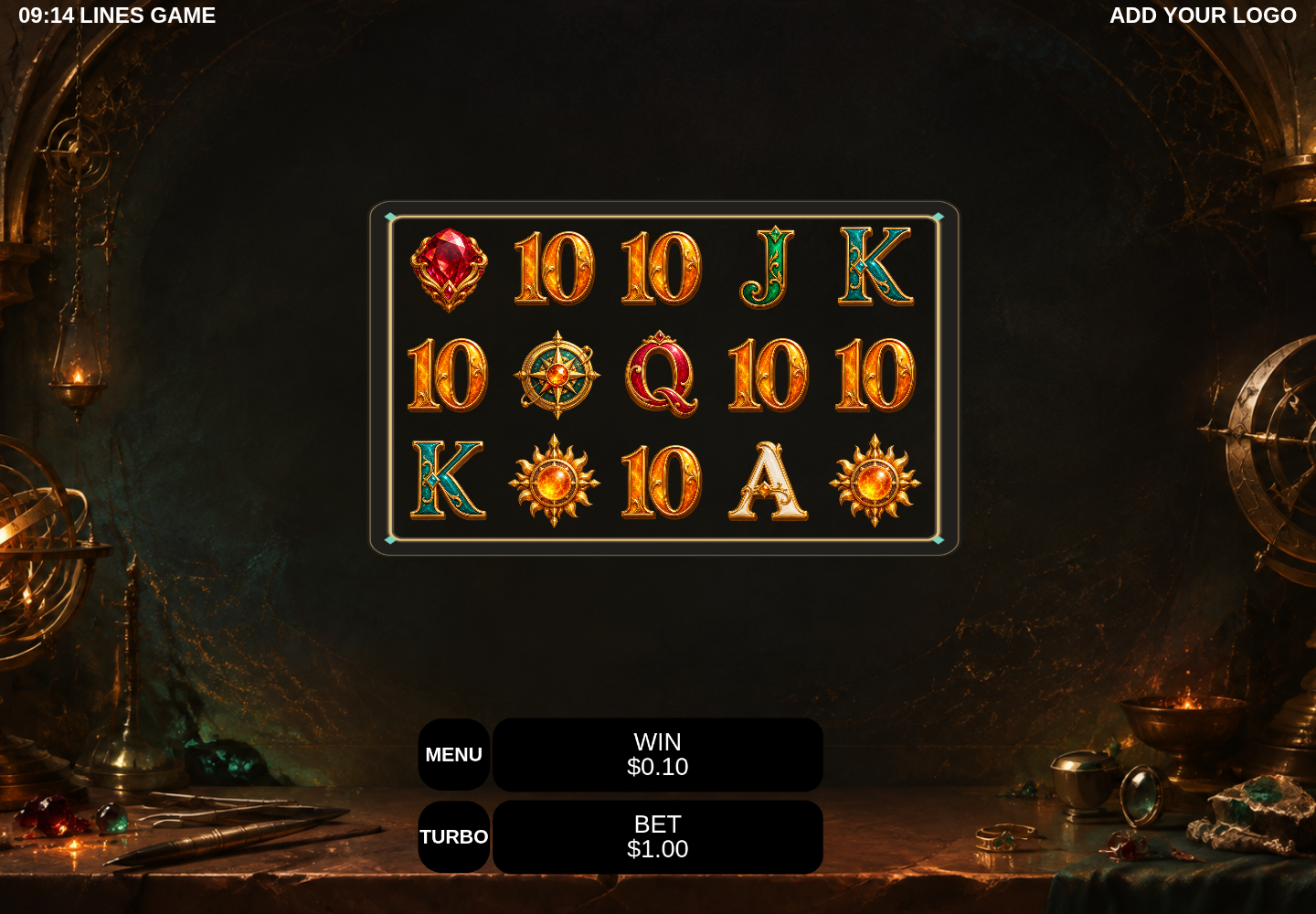
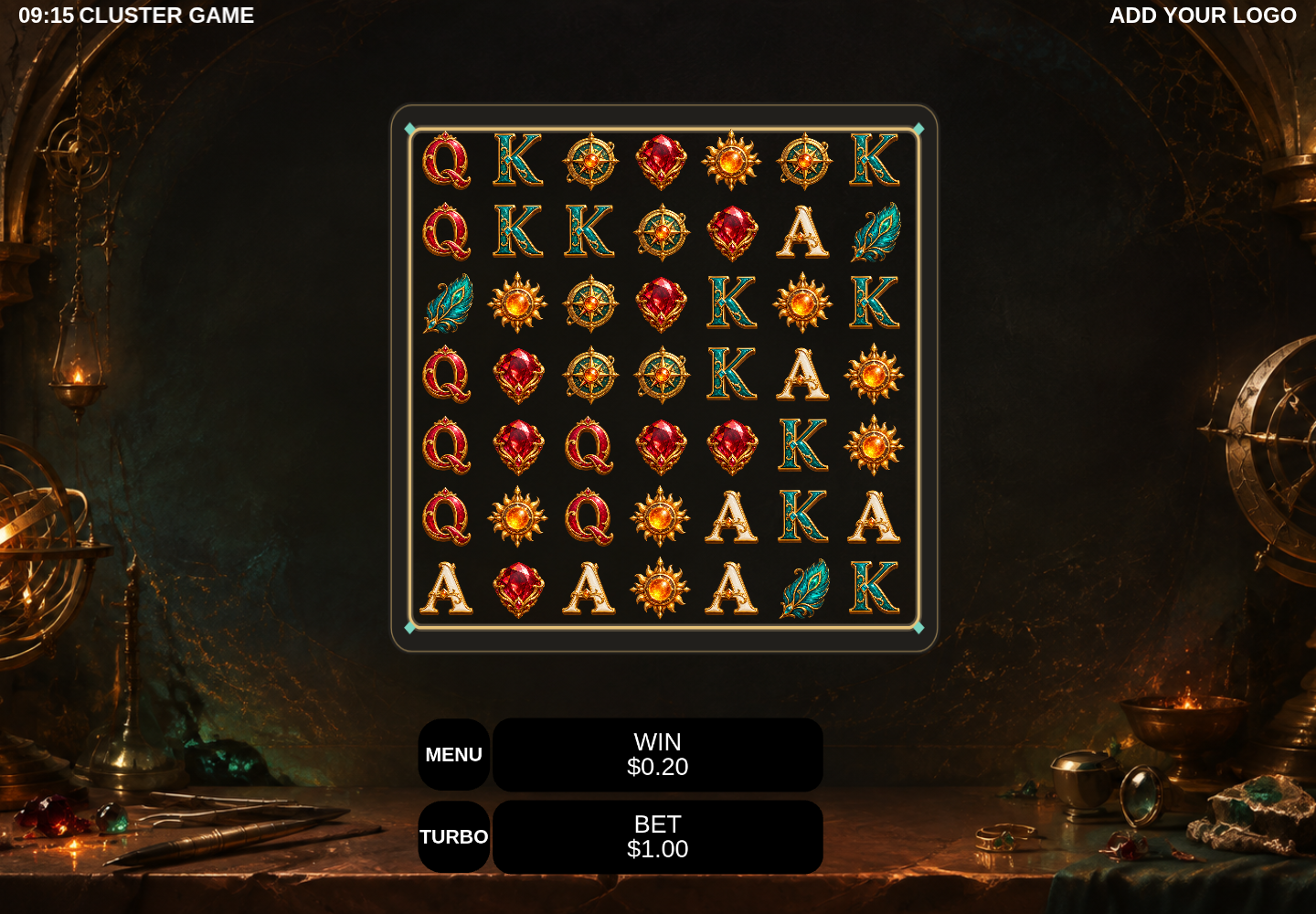
Actual Lines and Cluster starter replays with generated Ember artwork. Demo credits only.
Your creative workspace
Iterate on artwork, sound and animation with your game in view. Save a change, preview it in context and keep refining.
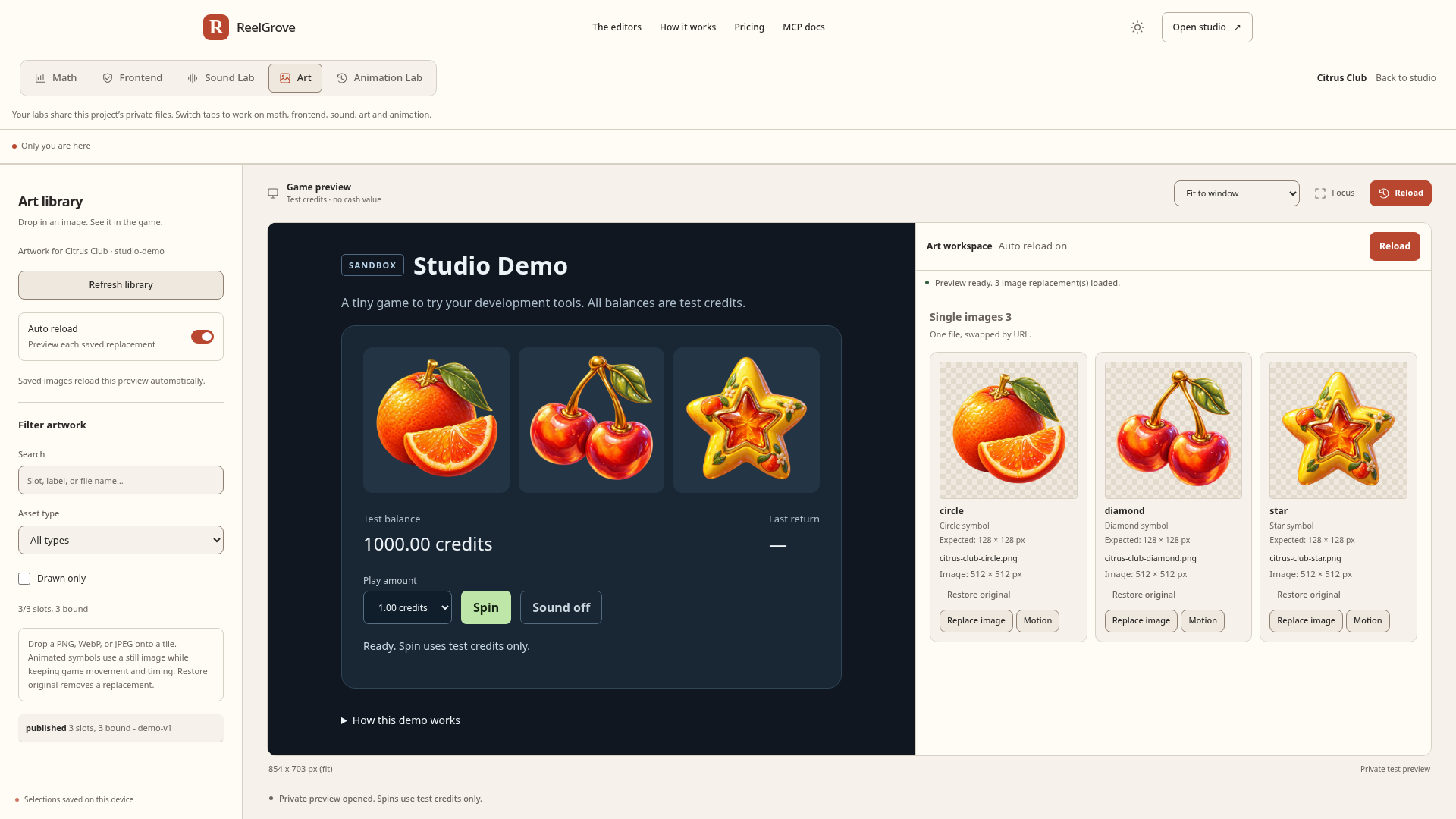
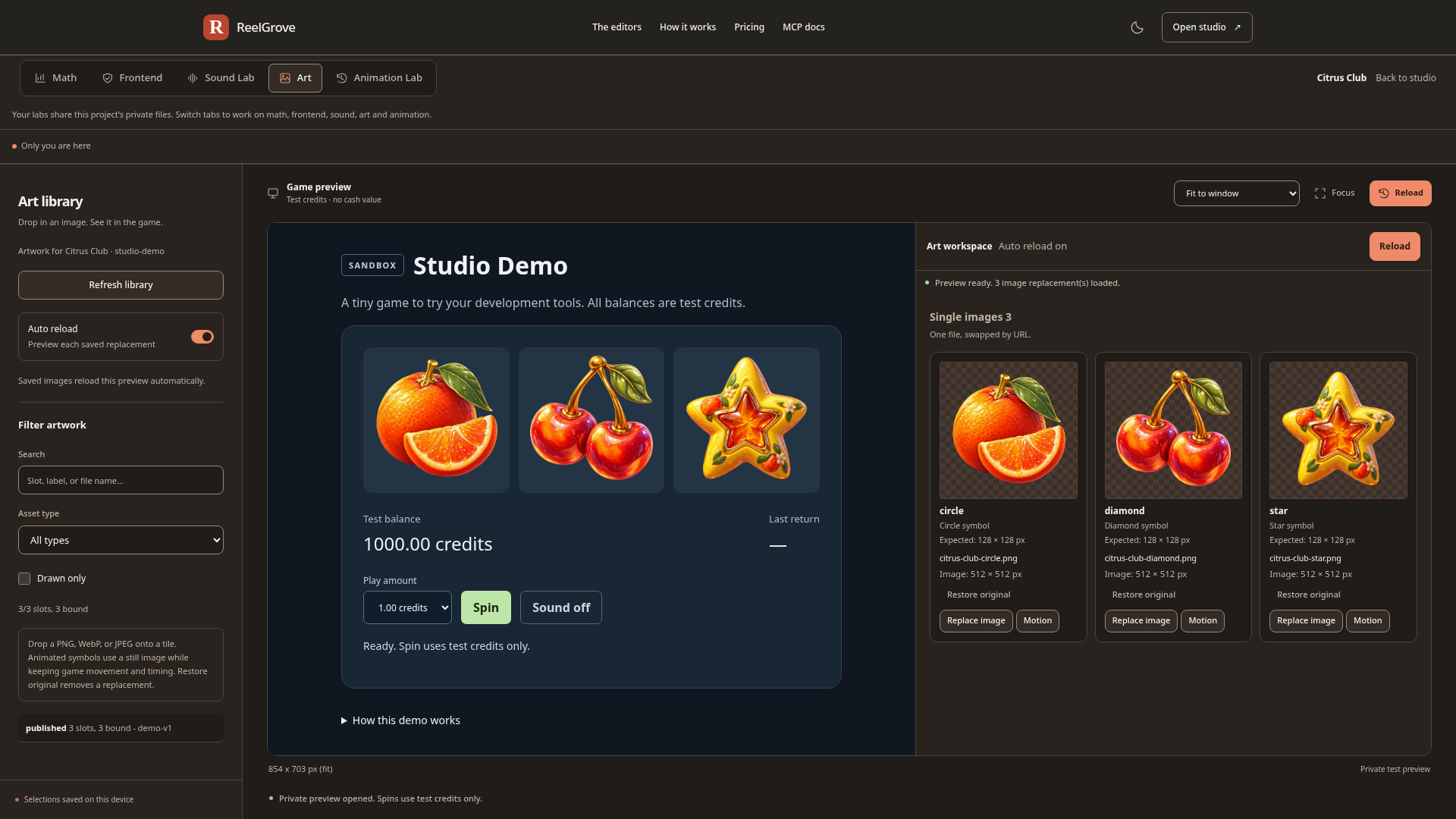
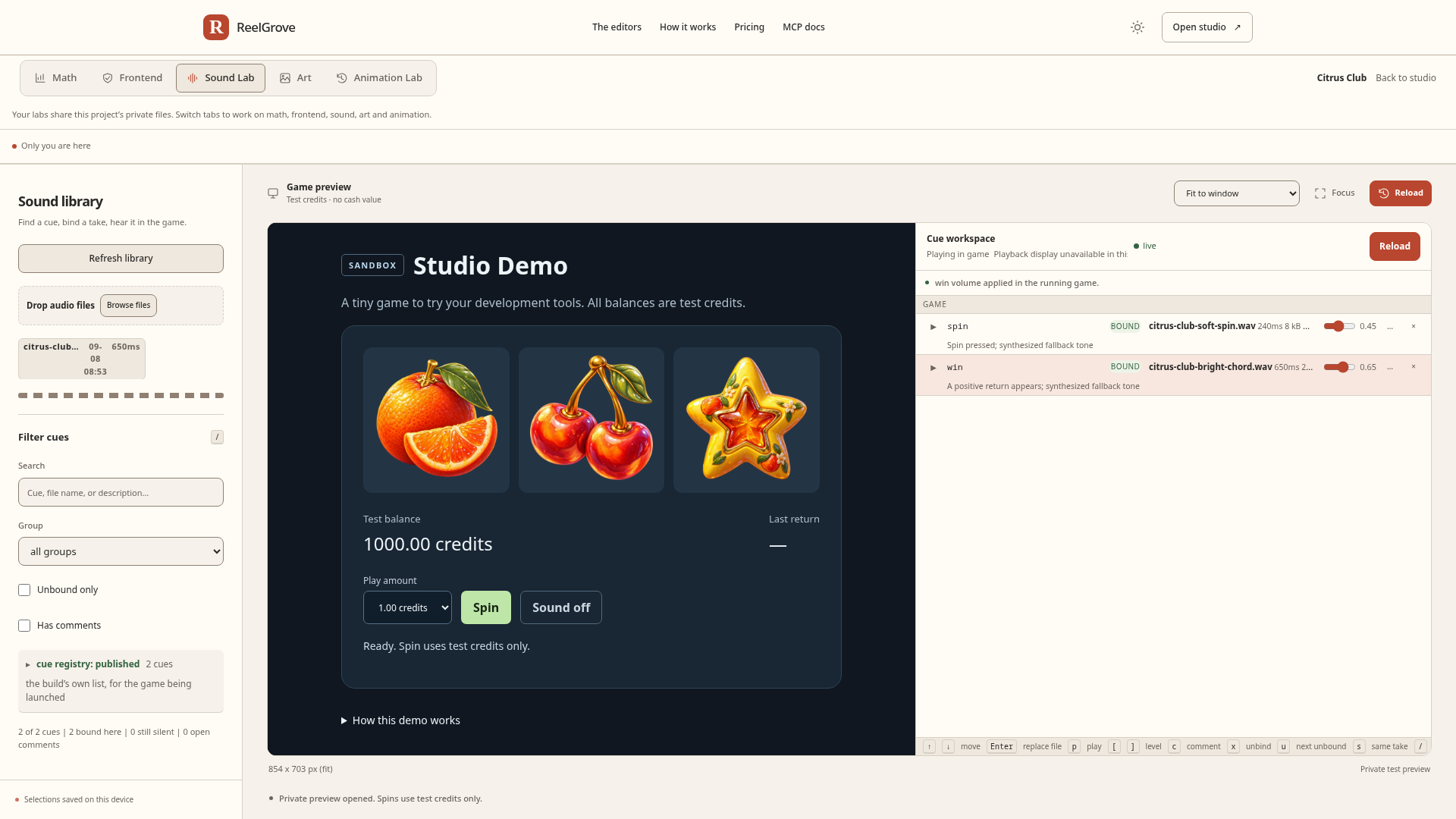
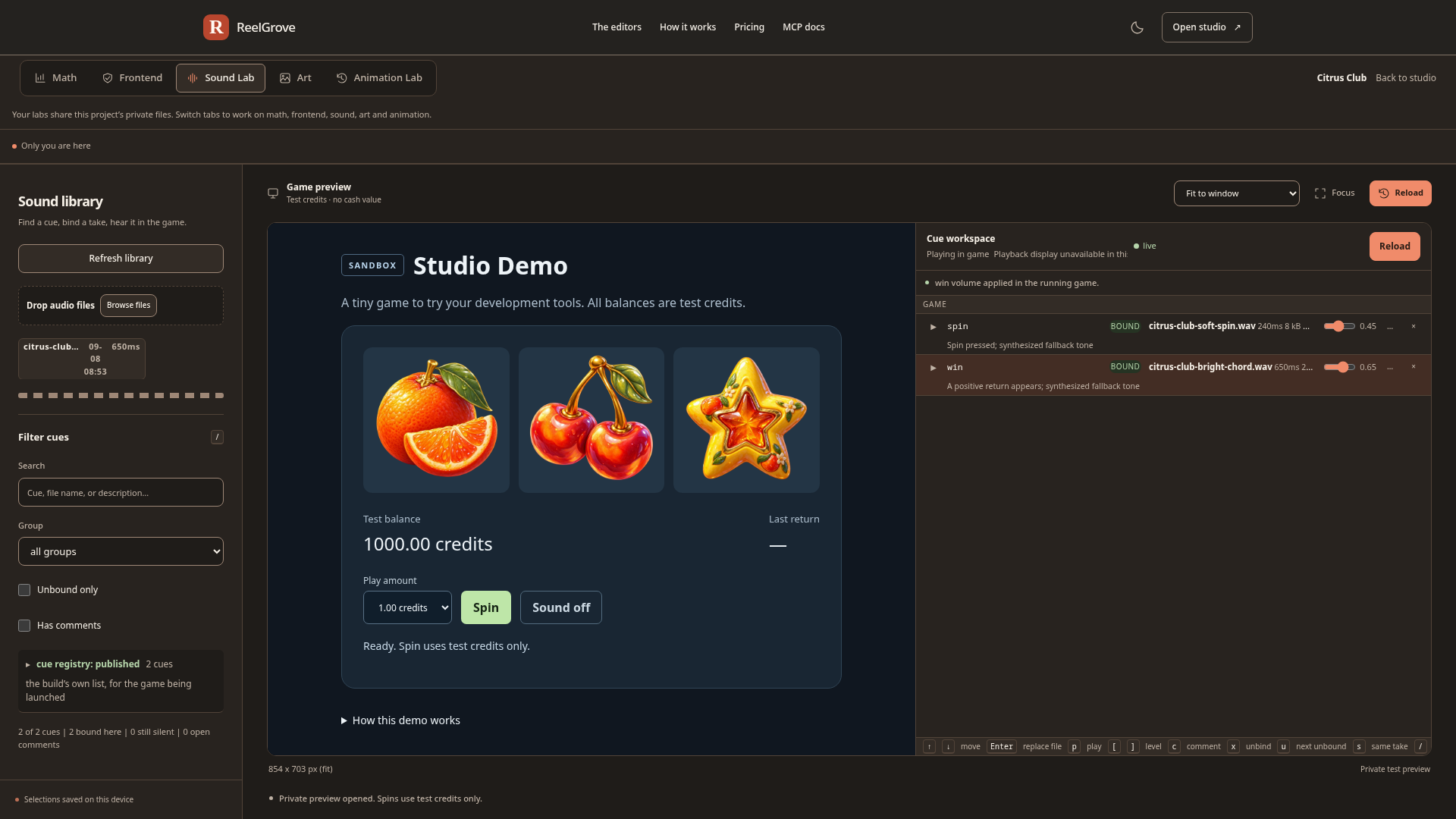
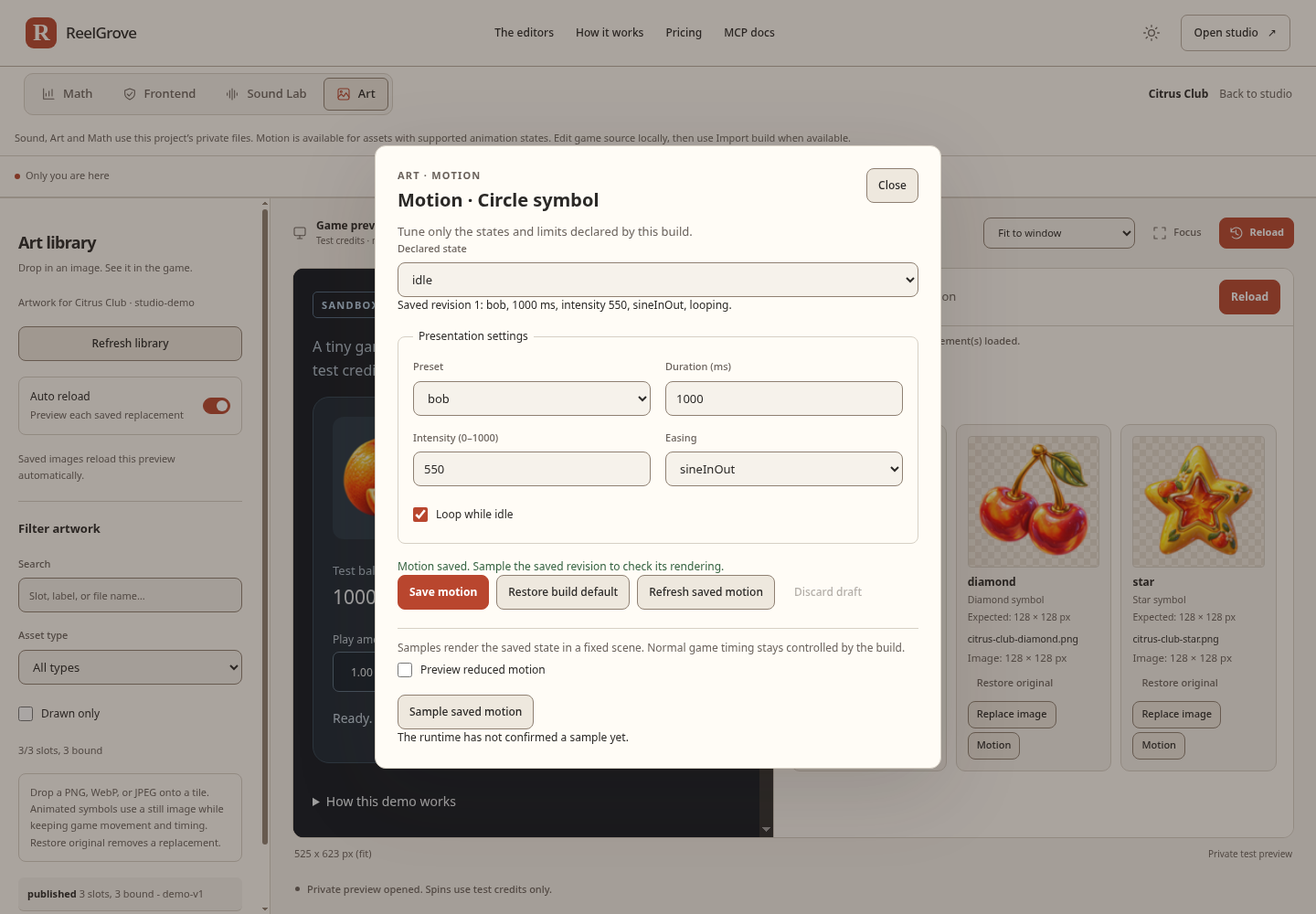
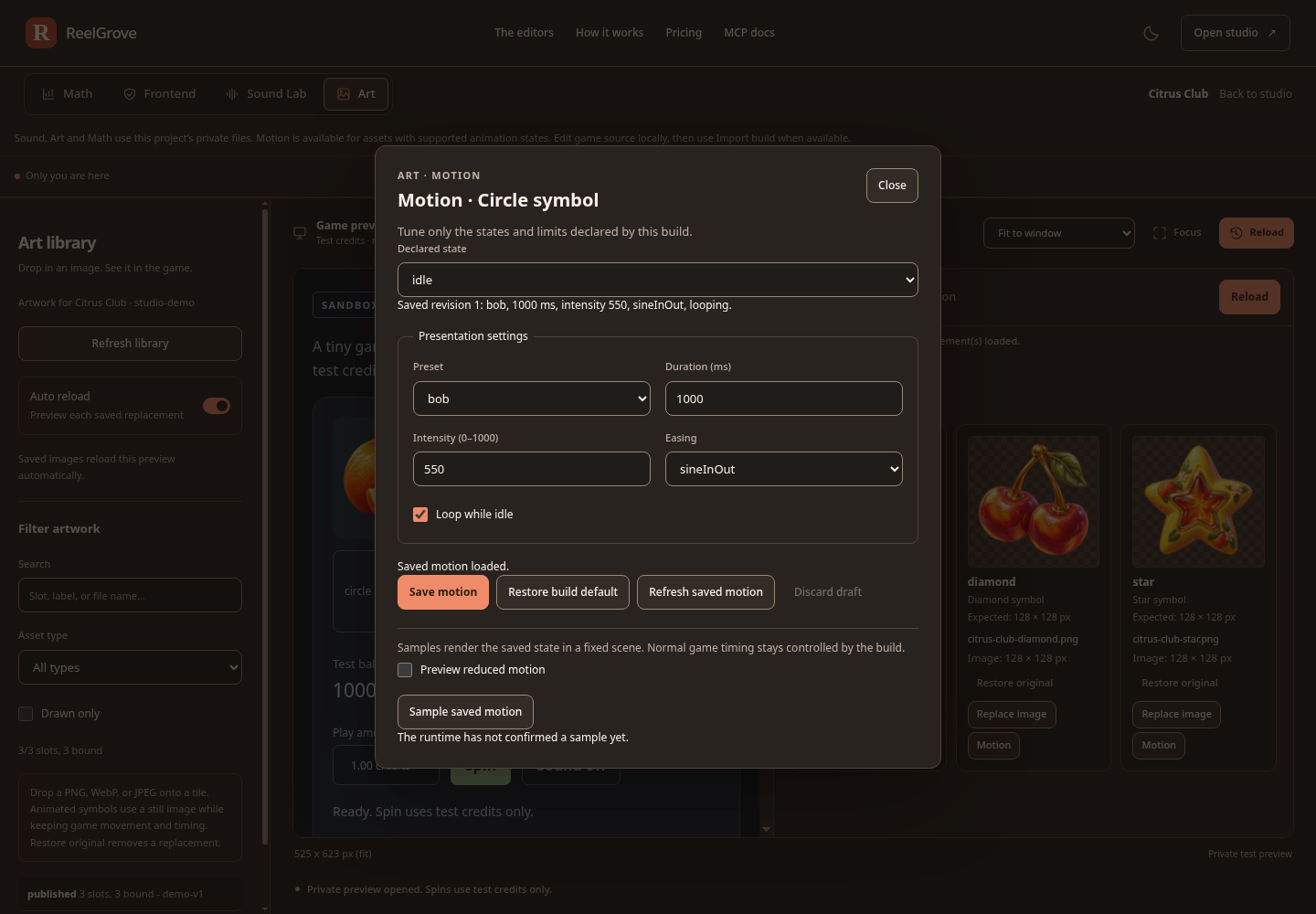
Replace a symbol or background. Supported games apply saved artwork live; older builds reload the private preview.
Audition clips and tune your mix. Supported games pick up sound changes live for the next cue.
Shape supported idle and win animations with pulse, bob and tilt. Save a preset and sample it in context.
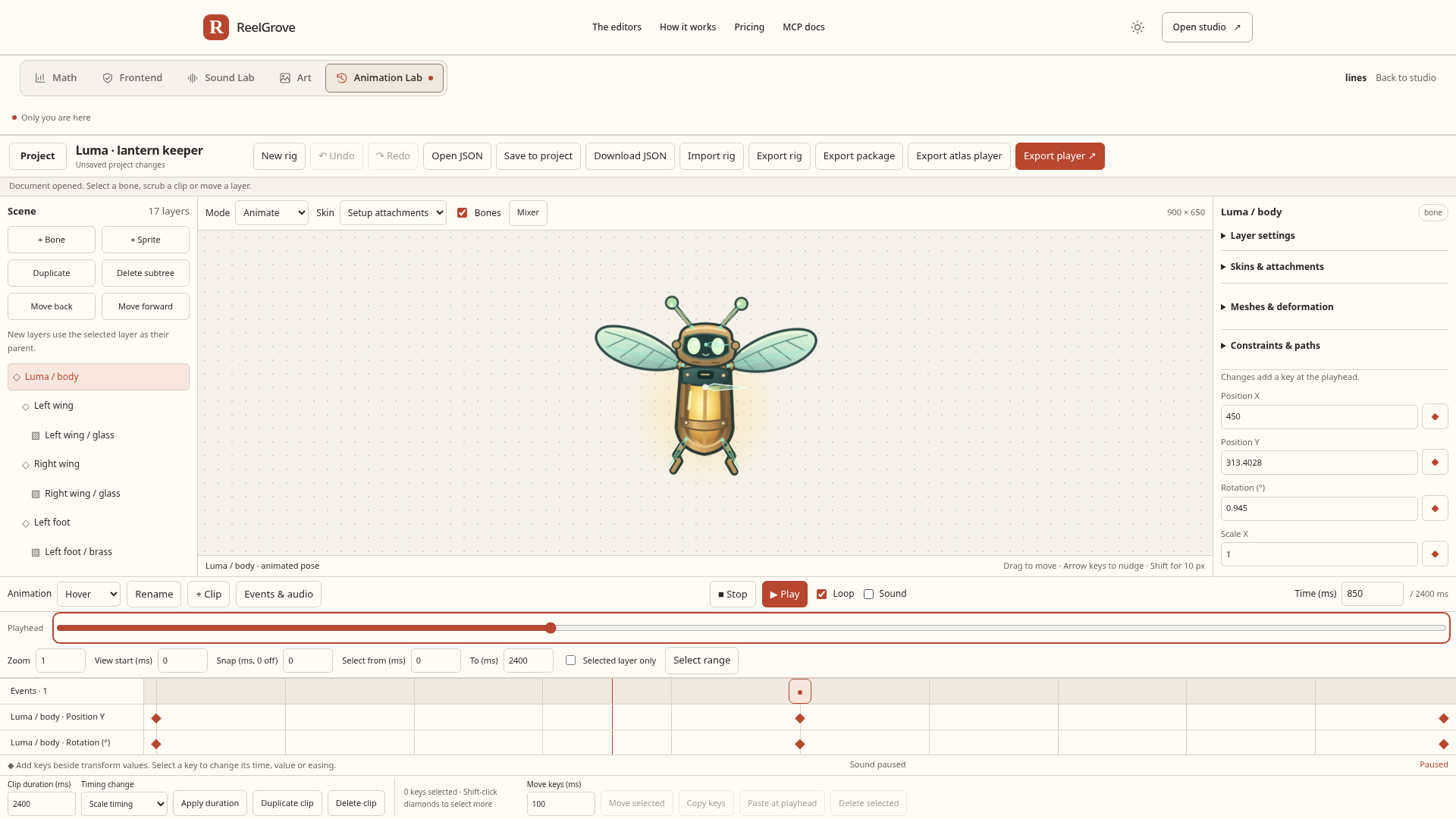
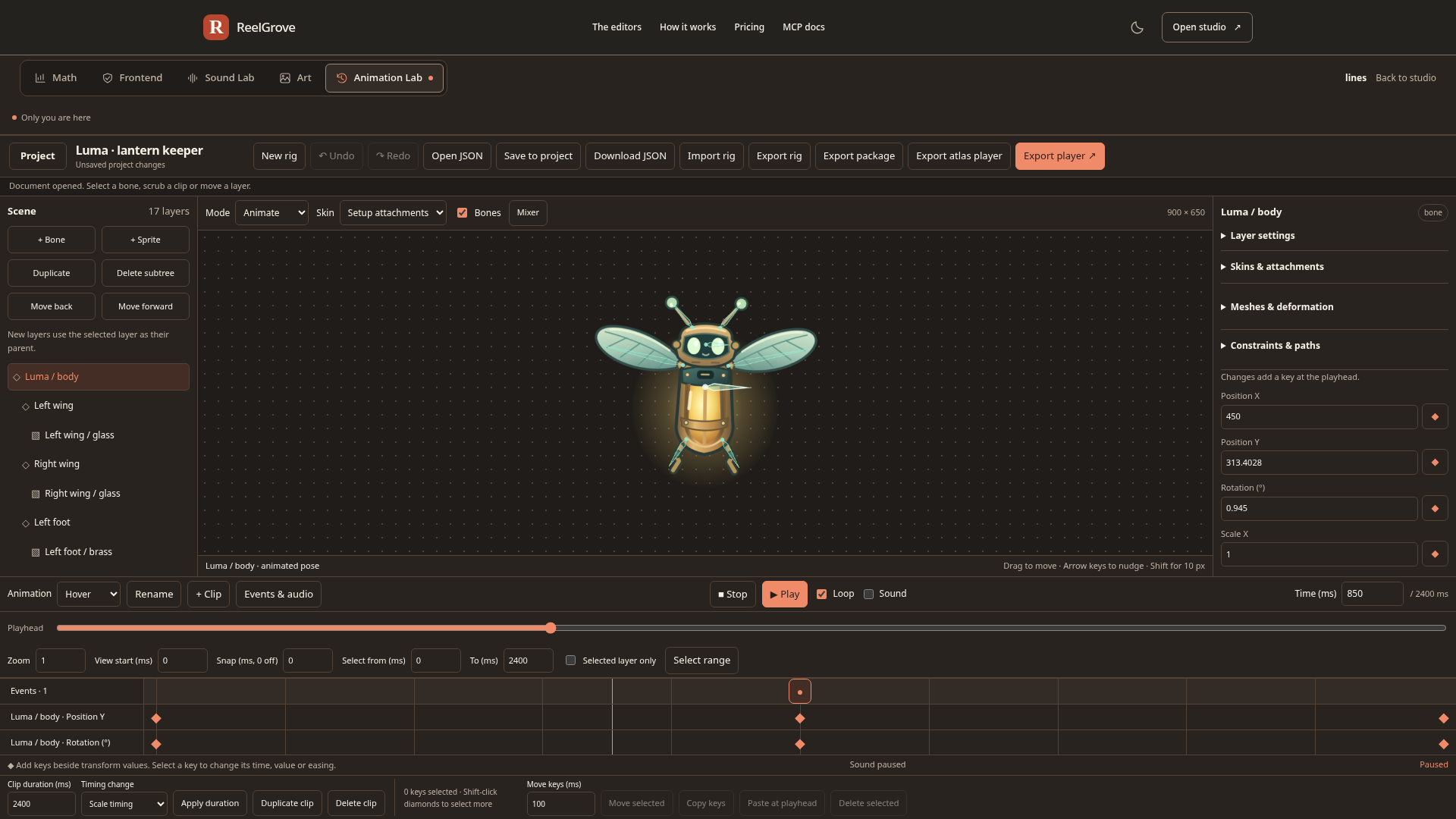
Build a rig, shape its motion and preview a saved clip in your game. Start in Animation Lab ↗
Animation Lab
Open the Animation Lab tab in your project’s Lab. Build, import and refine editable rigs, then take the animation and its playback runtime into your own game.
Bones, attachment variants and skins give your character structure. Shape meshes, paint and lock weights, key deformation, and share geometry through linked meshes.
Rigging and meshes ↗Refine timing in the dopesheet and value graph. Normalize curves to compare different channels, edit groups of keys and Bezier tangents, and compare poses with ghosts.
Timing and curves ↗Use IK targets, transform constraints and editable paths. Add spring motion with gravity, damping and travel stops that replay consistently when you scrub.
Constraints and physics ↗Key tint and flash-to-white colour, and blend sprites with add, screen or multiply. Animate drawing order, clip with polygon masks, and mix override and additive layers with bone masks and crossfades.
Colour, order and mixing ↗Place events with optional values and audio cues, edit trims, fades and gain, and bind exact saved clips or mixes to supported game hooks. Review versions and recover retained drafts.
Sound, events and recovery ↗Import supported Spine 4.1.17 or 4.2.22 JSON, reuse native rigs and export atlas players or packages with runtime source. Project-use runtime rights continue after your subscription ends.
Import support and export options ↗Spine import supports a verified subset; the compatibility report explains unsupported features before insertion. Exports include their runtime license and third-party notices.
Advanced math statistics
Explore RTP, hit rate, variance and payout distributions from your published math. Compare modes, run session simulations and use calculators to estimate exposure and sample sizes.
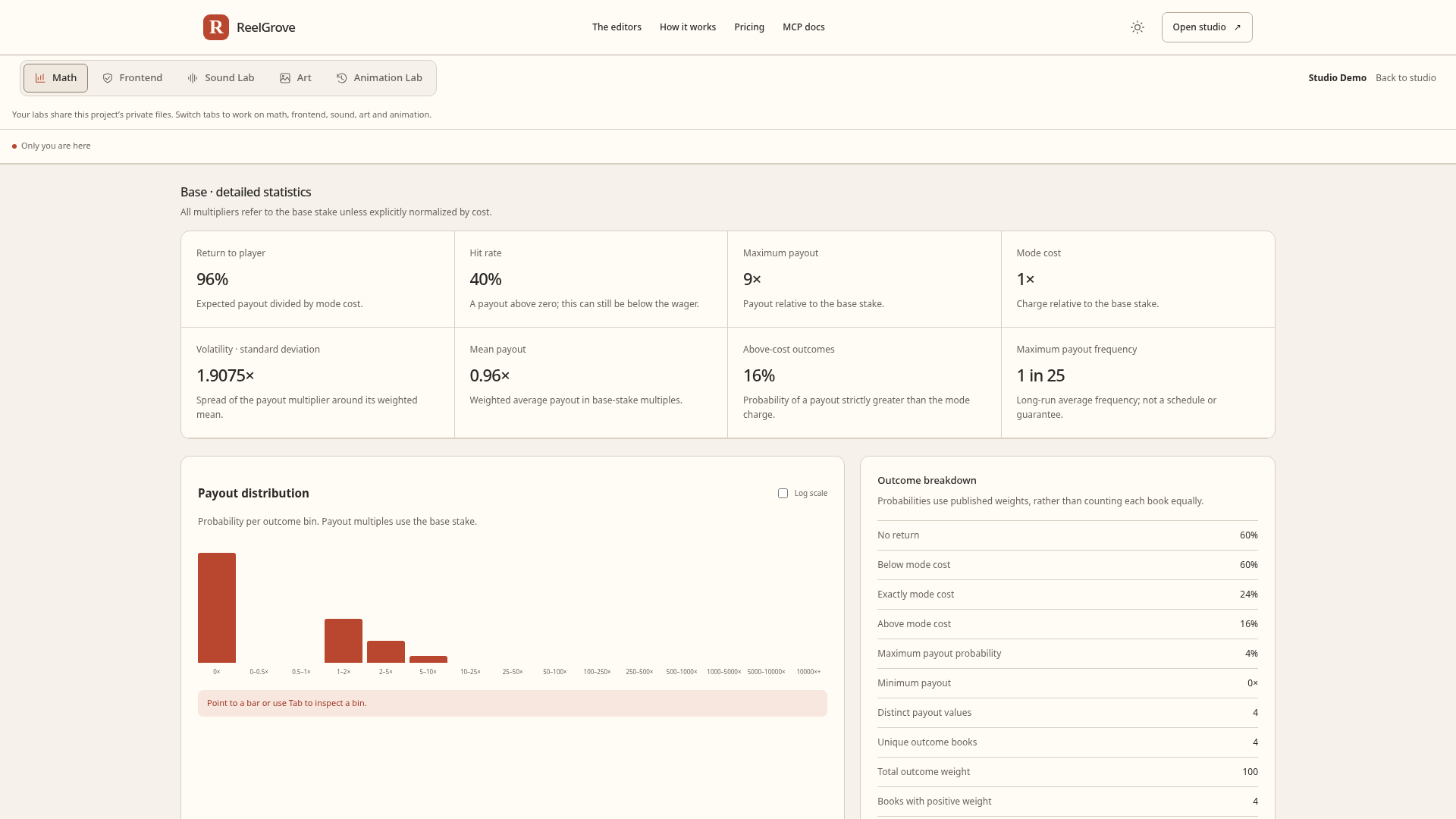
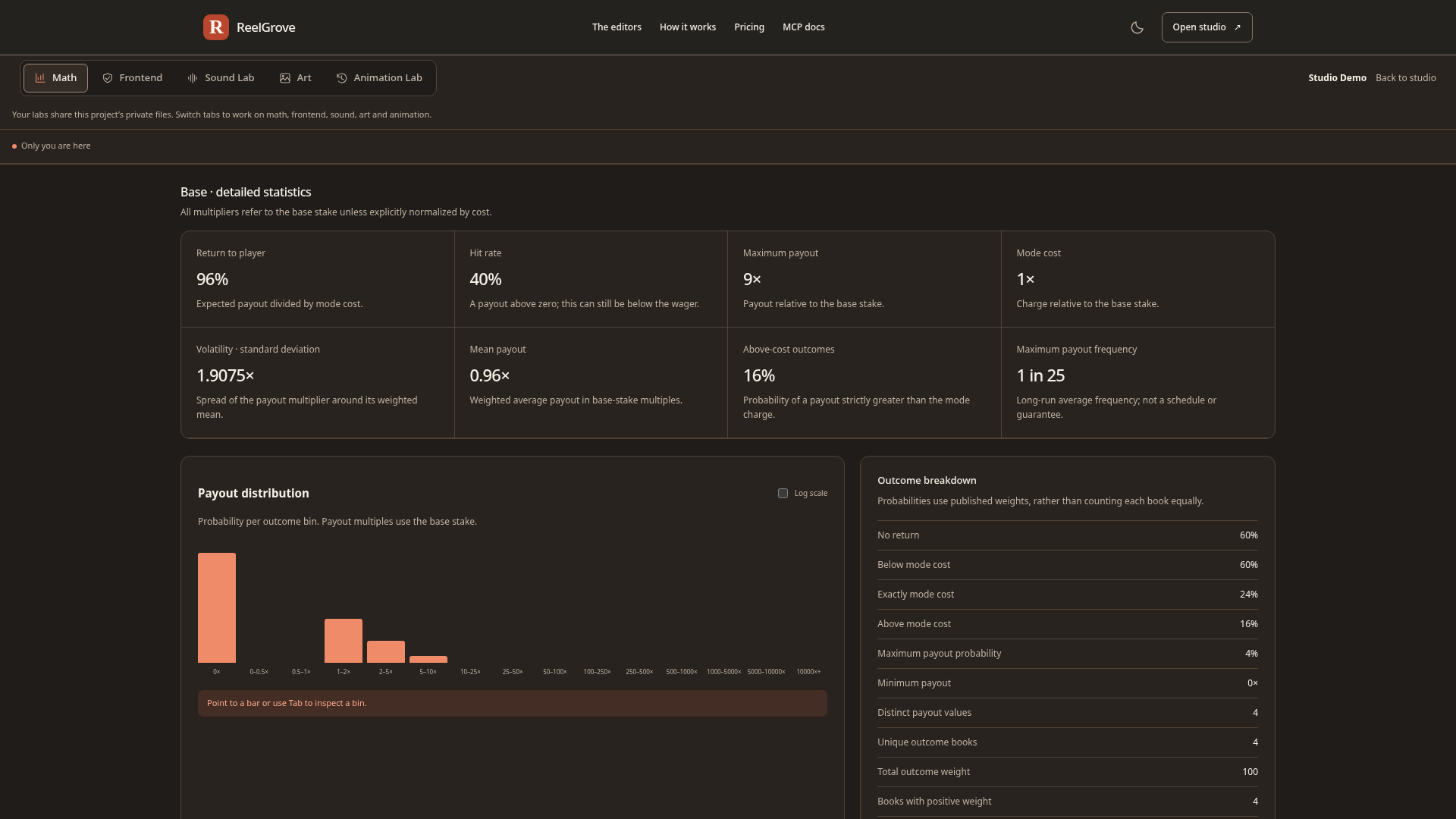
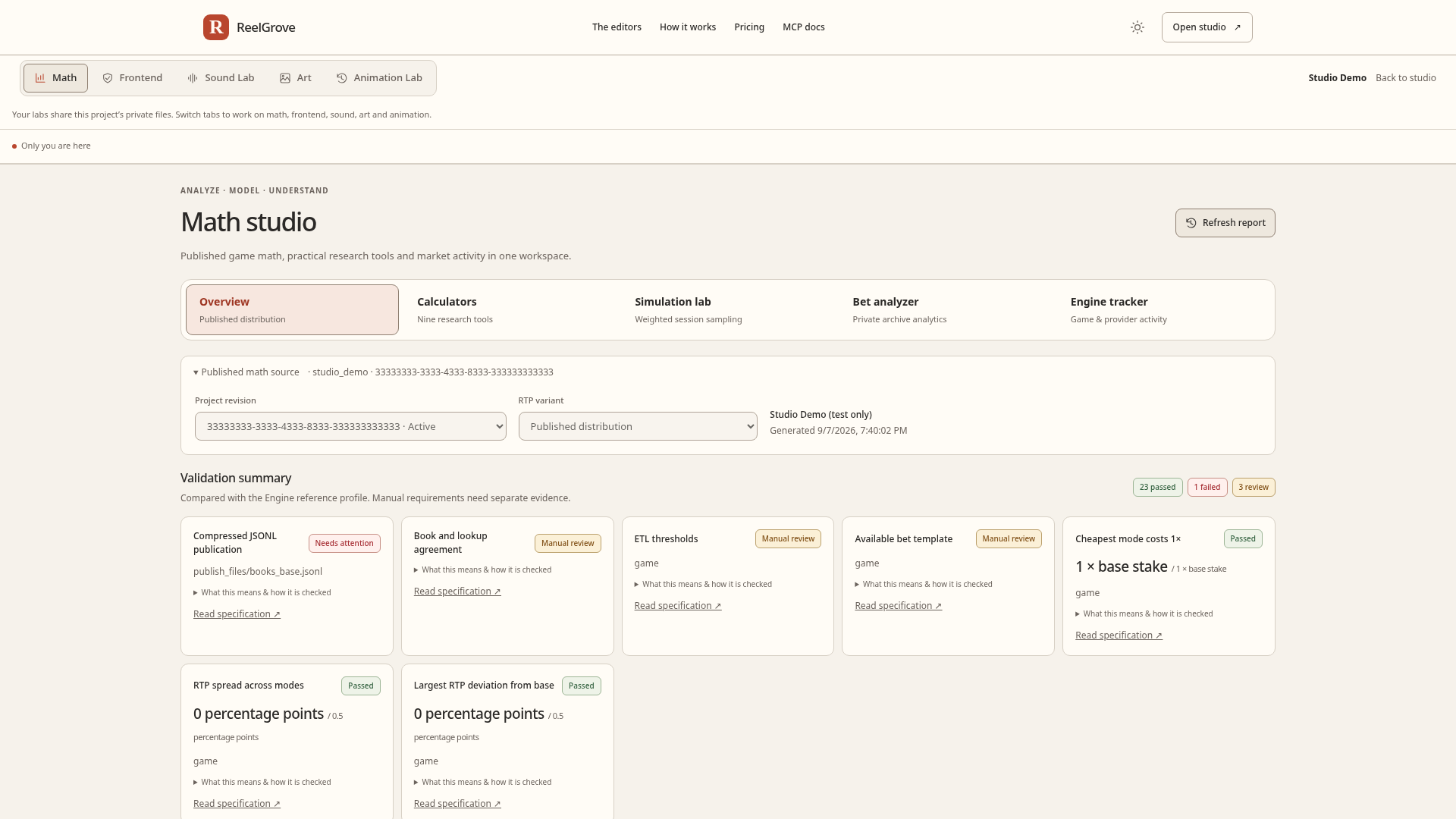
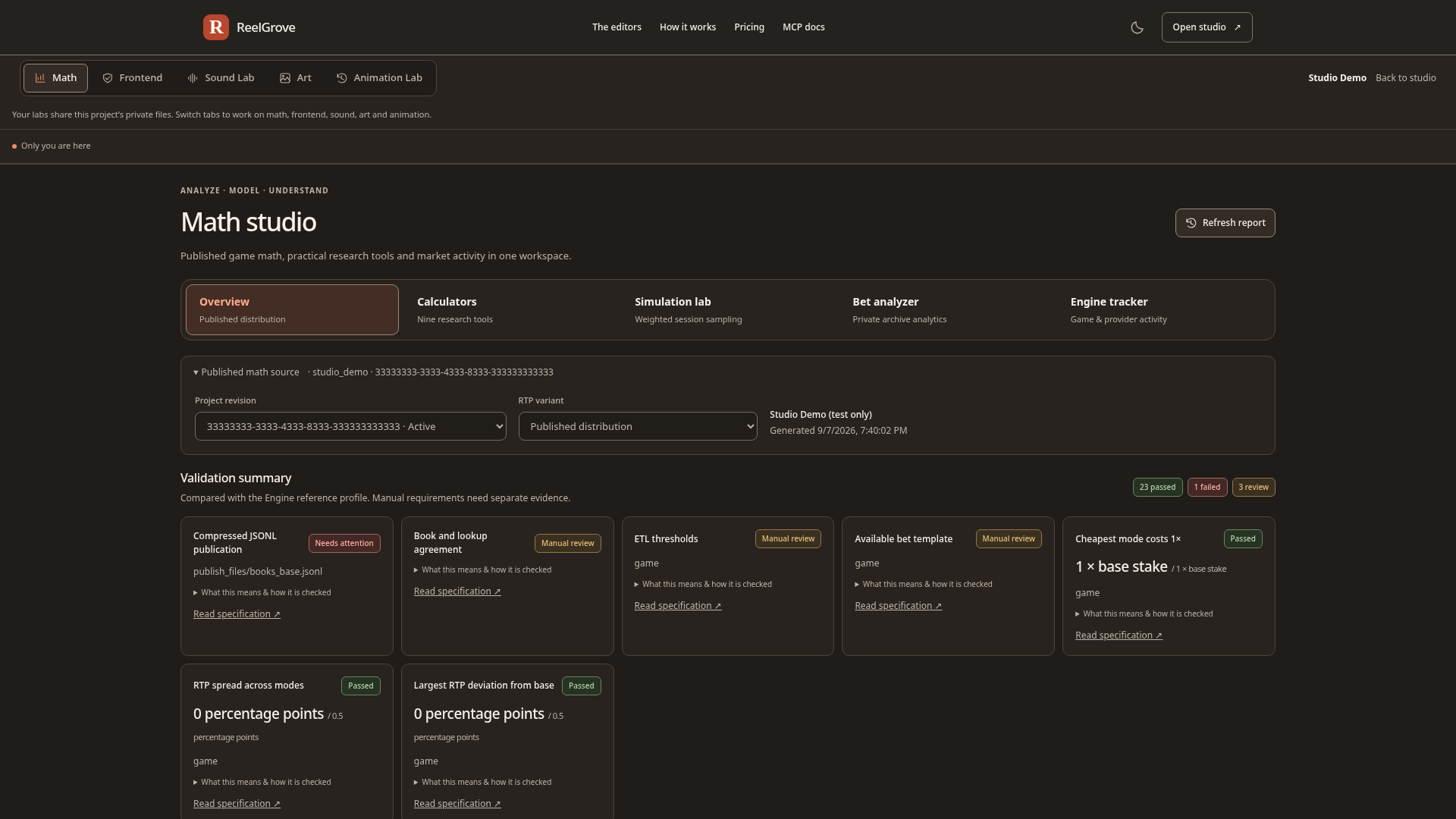
Computed from the published weights. These are read-only reports of the source files. They describe the distribution; they do not establish deployed game behavior or submission approval.
Keep the gaps visible. This Demo has 23 passed checks, one publication-format failure and three manual reviews. Automated checks and remaining reviews are both part of the report.
Look beneath the surface
Inspect your published frontend: its entrypoint, declared game identity, local resources and artwork registry. Each result stays tied to the project revision.
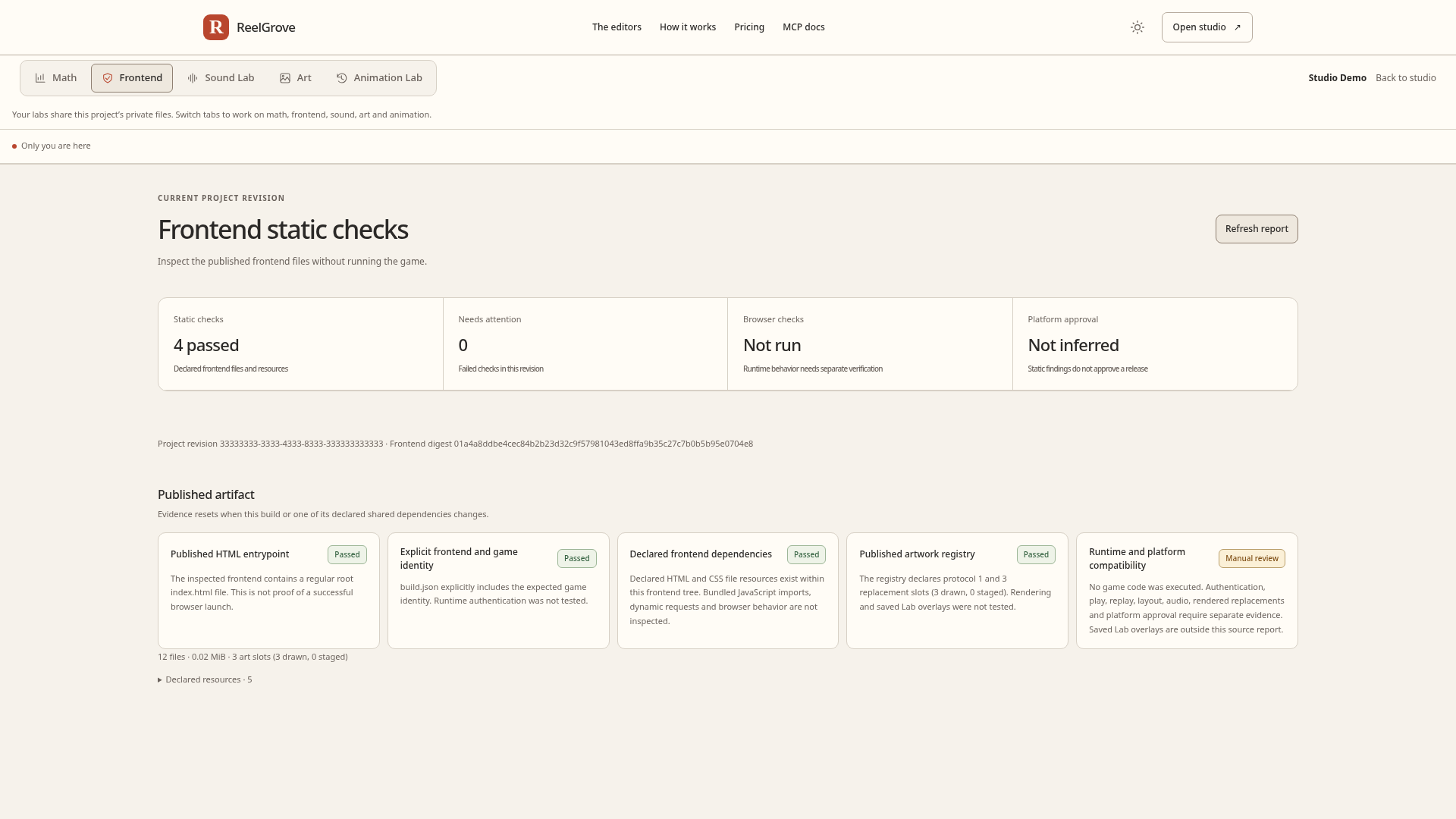
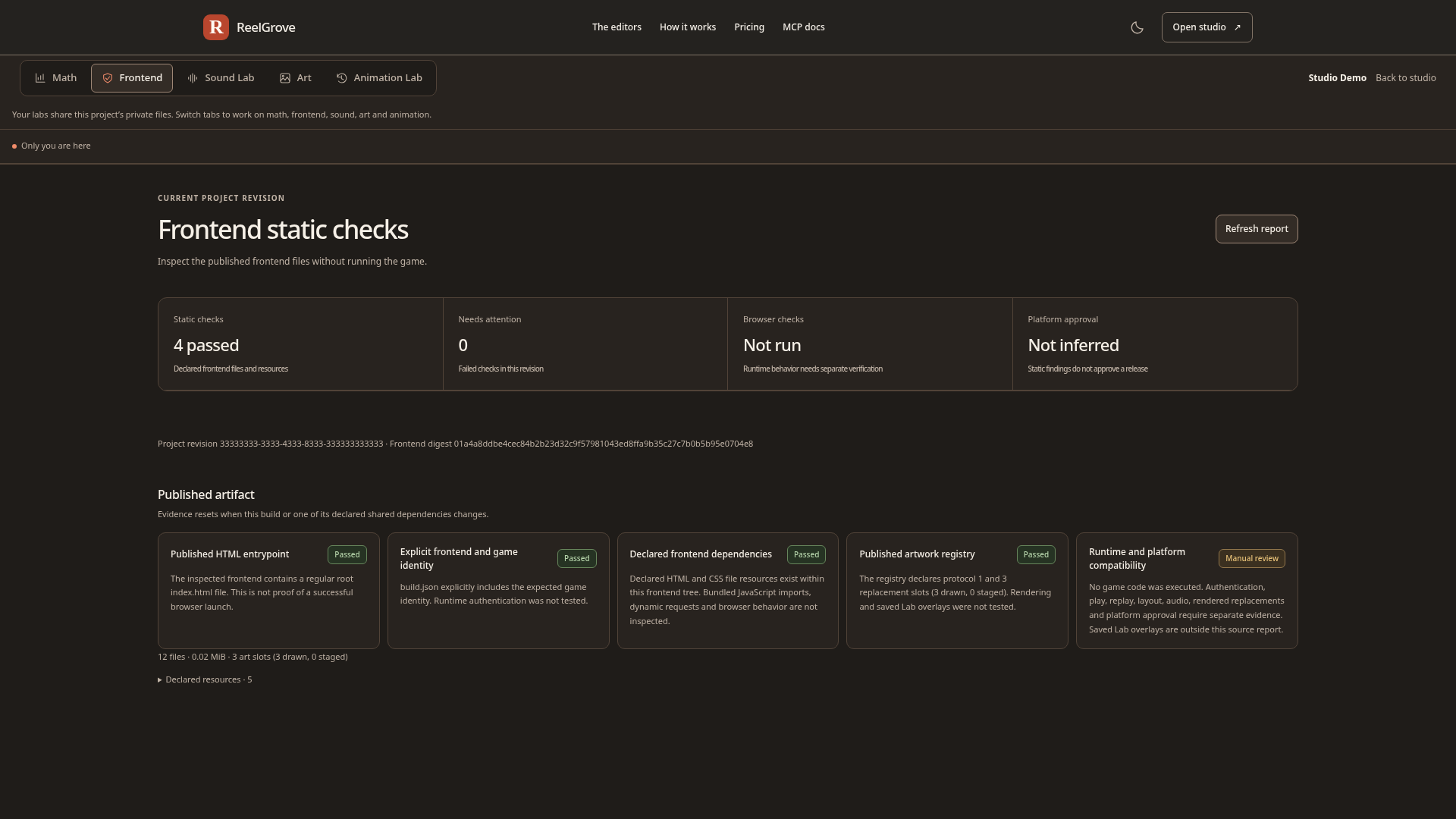
Computed from the frontend files. This Demo passes four static checks across 12 files. Refresh the report to inspect the current revision without running the game.
Browser verification still matters. Authentication, play, replay, layout and saved Lab replacements need separate browser execution. Static checks do not establish runtime behavior or submission approval.
A place to start. Room to make it yours.
Bring your existing Engine game or start with an available approved template. Keep your build tools and bring the team into one private project.
Import a completed Engine frontend and published math where independent imports are enabled, or choose a starter template.
YOUR OWN PRIVATE COPYAdd artwork, bind sound cues and animate your symbols. Connect saved animations to supported game hooks.
ART, SOUND & ANIMATIONSave exact test outcomes, capture a release candidate and collect team reviews against the version they saw.
SAVED SCENARIOS & STUDIO REVIEWSDownload a standalone game, development bundle or portable project. Keep saved Lab work when activating your next build.
PLAYABLE & EDITABLE EXPORTSBring your existing game and connect CI
Follow the first-project walkthrough
Repeat exact outcomes across saved profiles and controls, then review a release against the evidence your team inspected. Template availability varies. Development examples and exports do not grant Engine submission approval. See how ReelGrove fits your Engine workflow.
A studio for your people
The work around the work, in one place. Invite your team, decide who can change what, and manage the editor capacity your studio needs.
Invite artists, sound designers, animators and reviewers. Start with a role preset and see the access attached to each invitation.
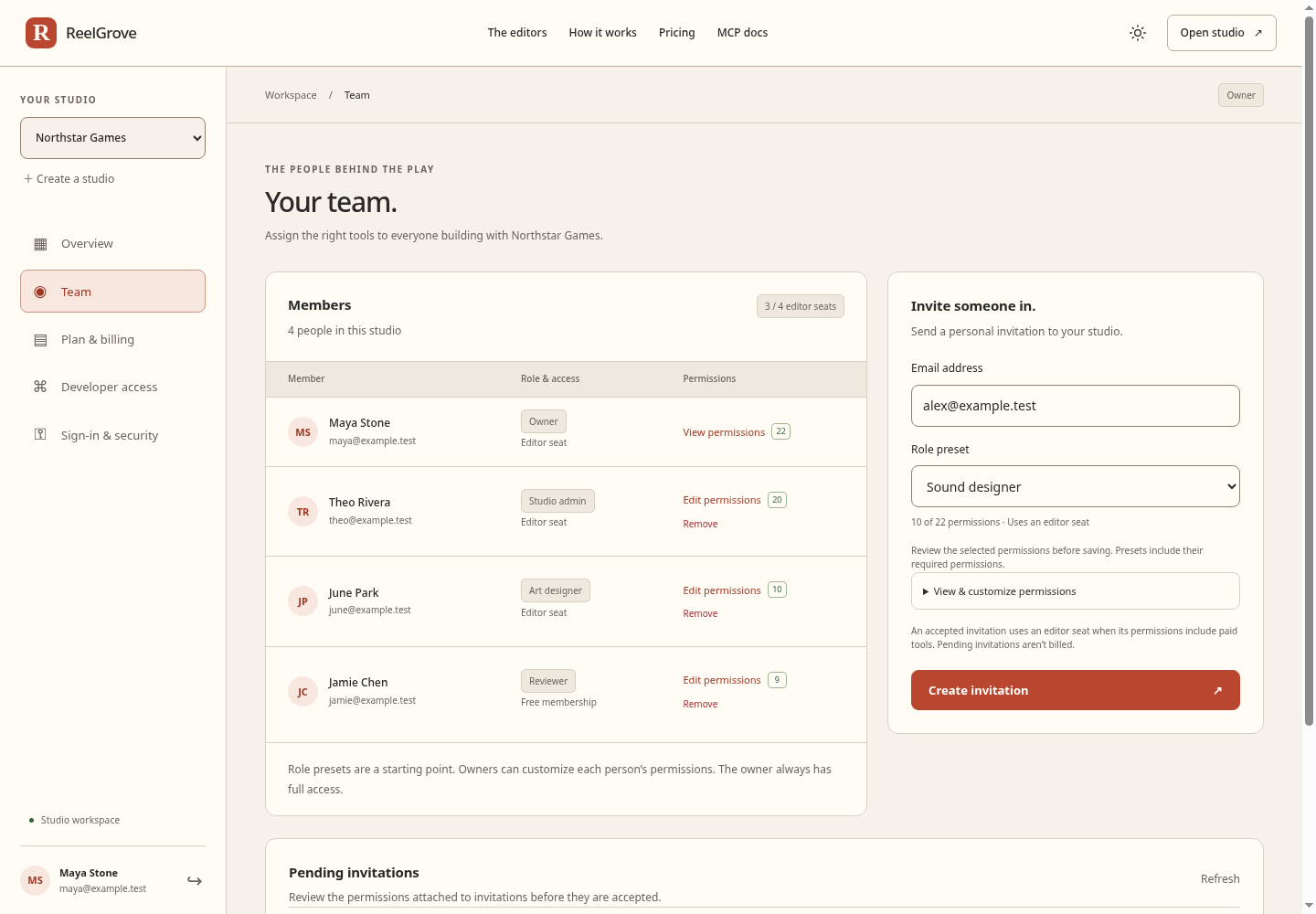
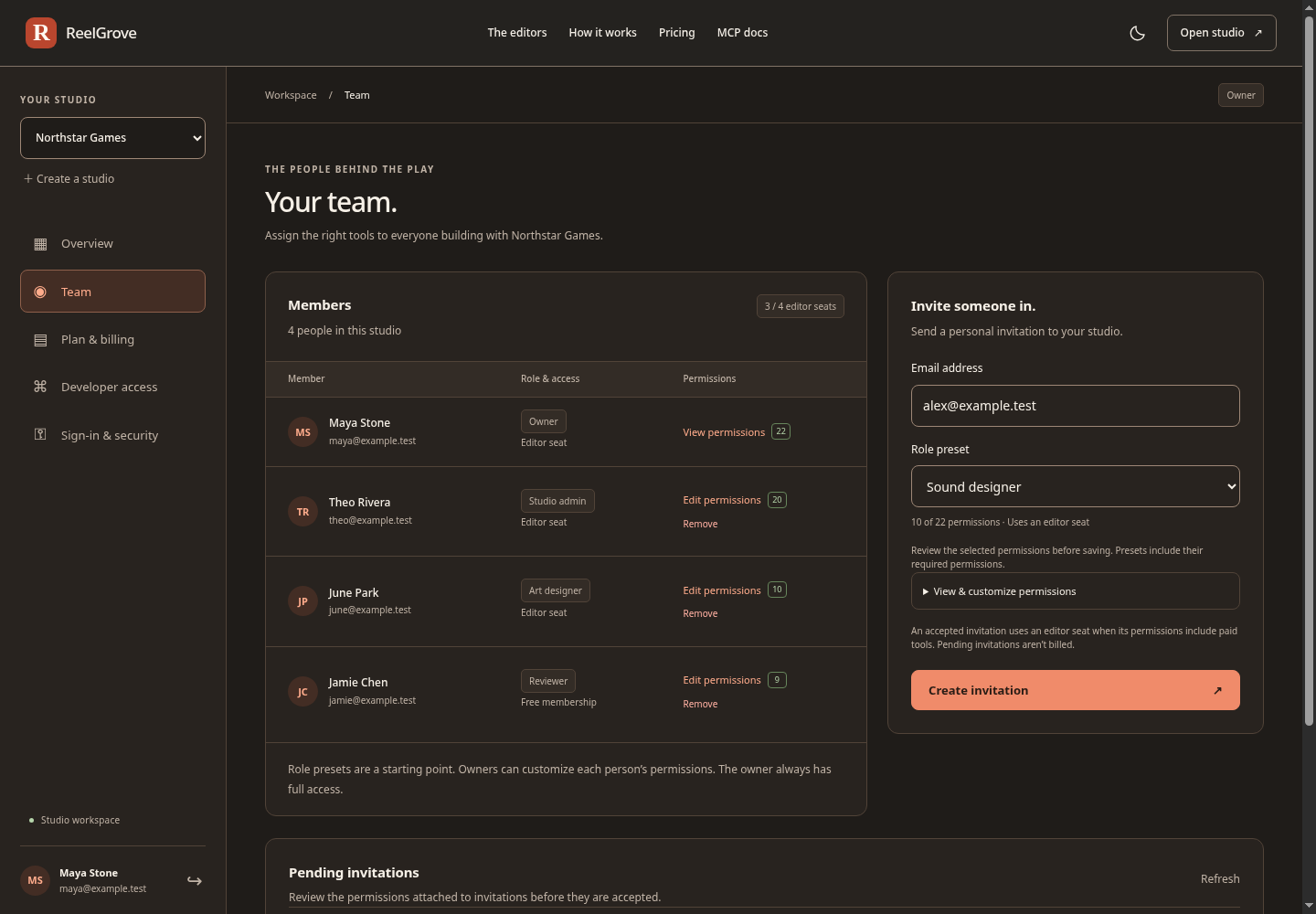
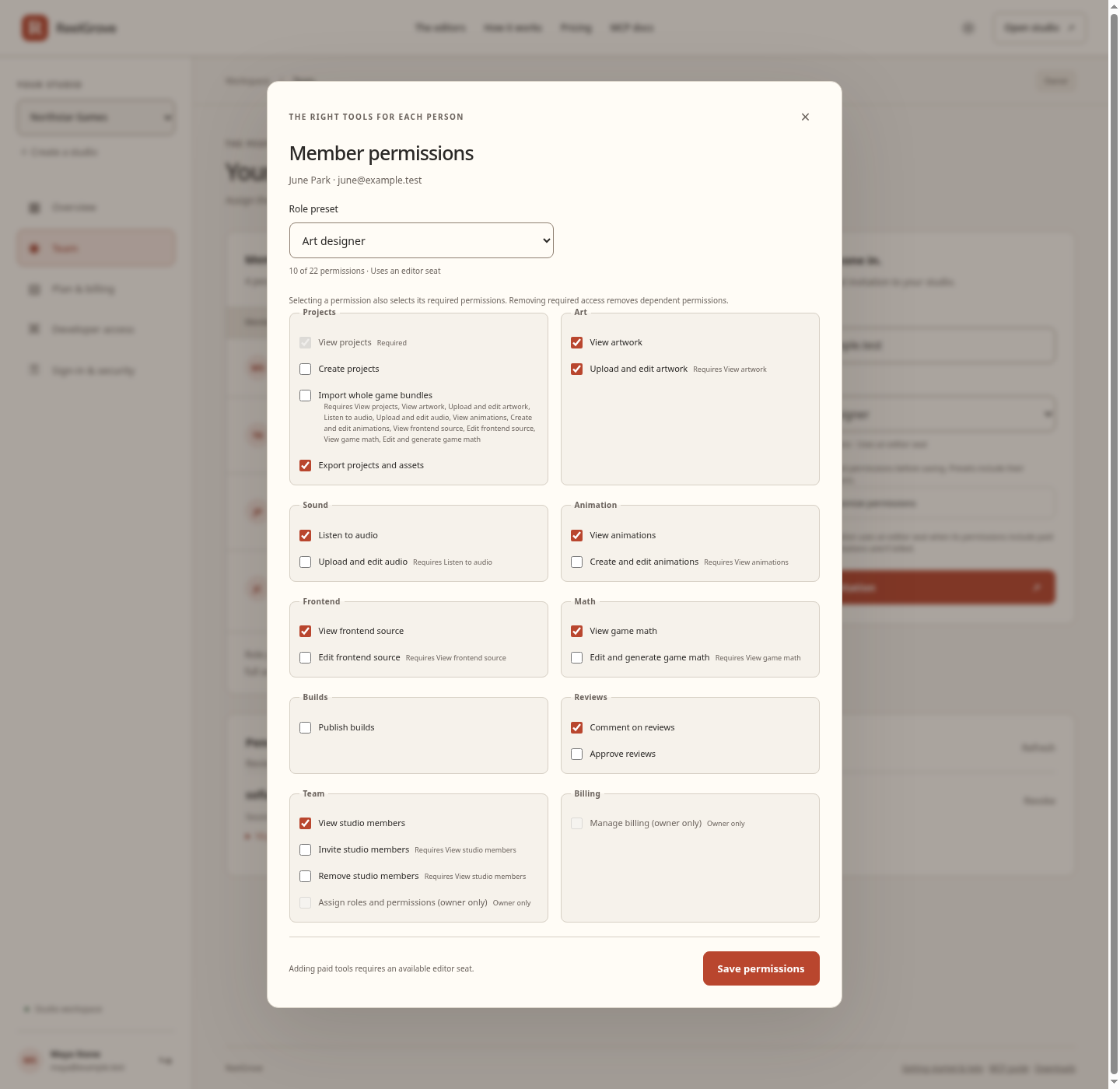
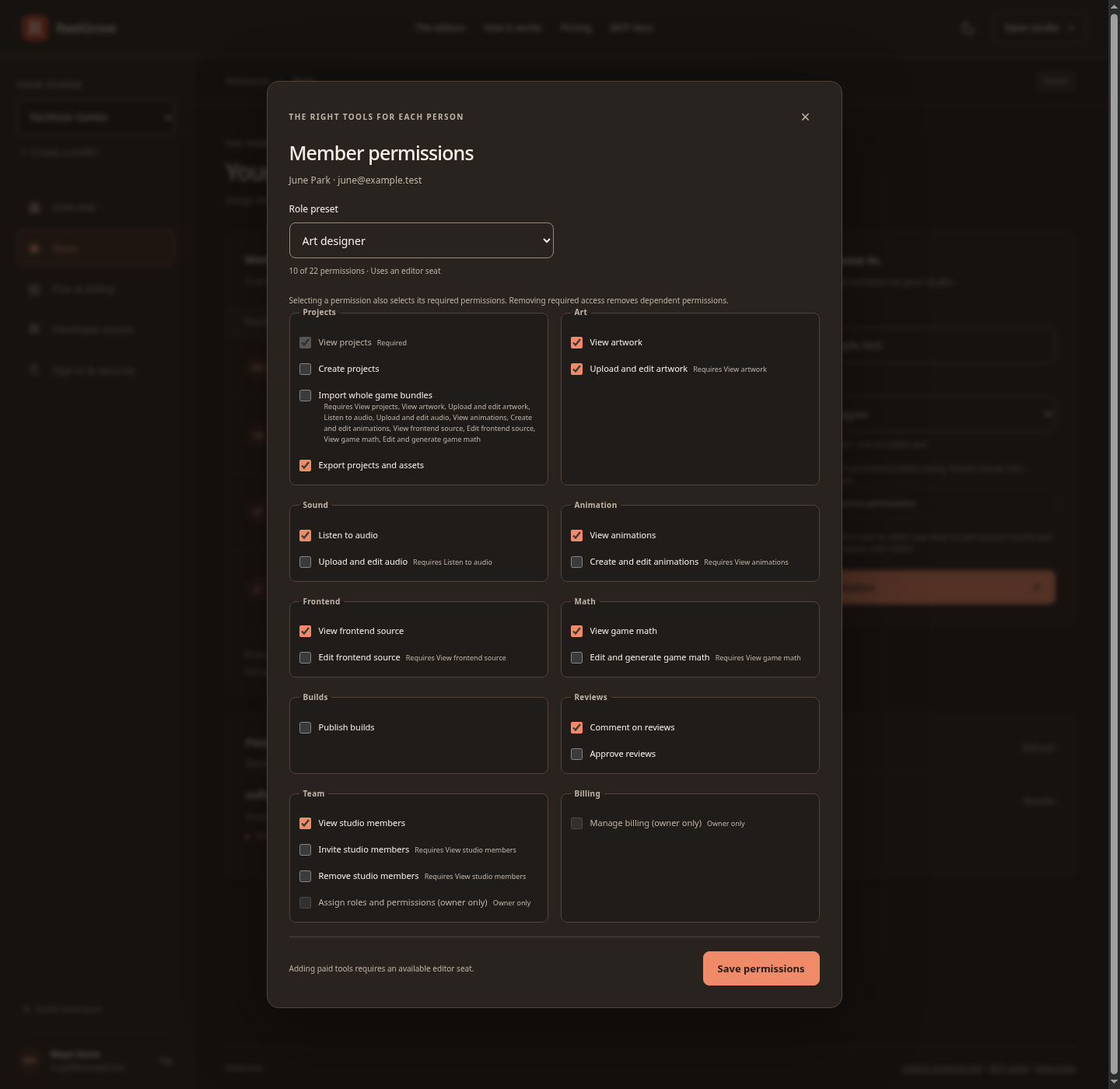
Owners can tailor each person’s permissions. Required access stays visible as you select capabilities; review-only members remain free.
See paid editor capacity, active editors and your monthly total. Manage your plan in ReelGrove, with secure checkout and payment management through Stripe. One person uses one editor seat per studio.
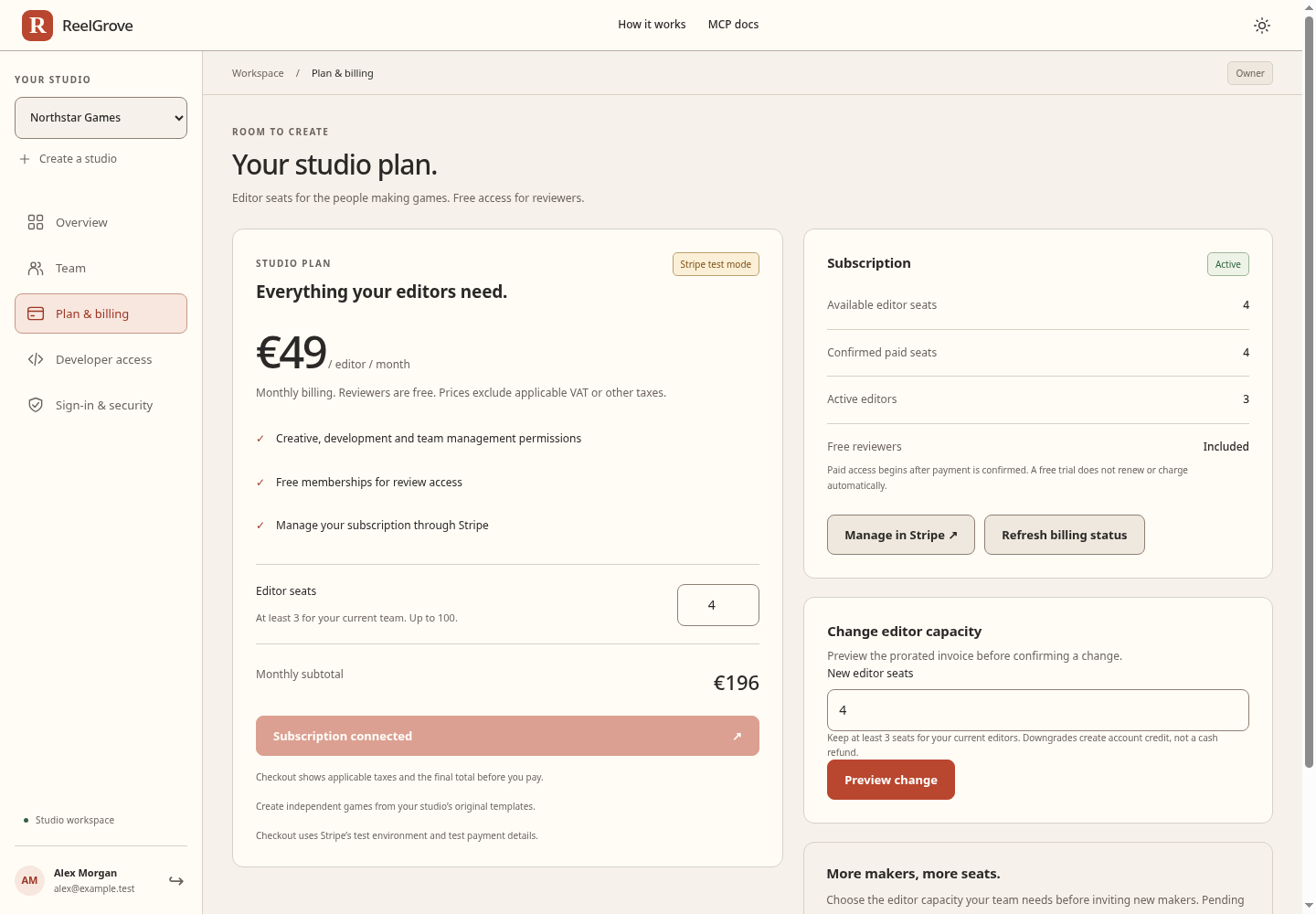
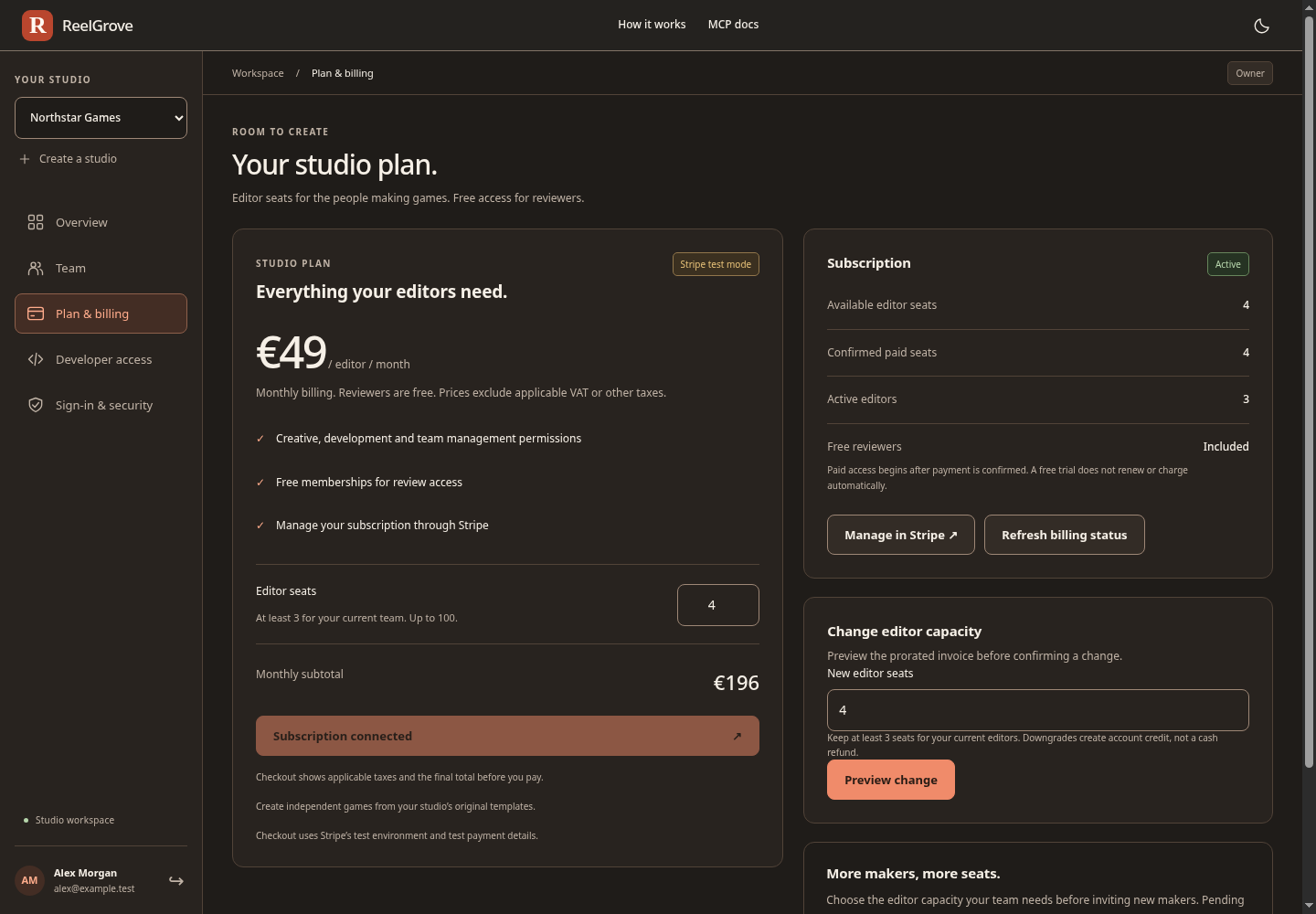
The owner keeps full access and controls billing. Permissions describe access; tools are available where the current product supports them.
Connected to your workflow
Give your agents project tools for artwork, sound, motion and math. Let them inspect assets, apply supported changes, compare modes and run calculations or simulations through the scoped access you choose.
Project keys have scoped permissions and an expiry. Use studioctl to upload your next build or download a verified archive. Capture regression matrices and inspect release readiness from CI. Editing follows your team’s current access and editor capacity.
Read the MCP developer guideAn example tool workflow
project_contextsound_cuesbind_soundIllustrative workflow using real project tools. The guide covers setup, permissions and handling conflicting edits.
A closer look
Two short tours of the creative work and the tools behind it. Watch with sound, or follow the on-screen captions.
See how to get startedThe art sets the scene. The sound makes it land. The motion brings it to life. In ReelGrove, refine your artwork, tune your sound cues, and animate your symbols in one creative workspace. See the details come together. Make your next slot game your own. reelgrove.net.
Great slot games need more than great artwork. Explore advanced math statistics. Check your frontend files. Give your AI agent scoped MCP tools for your project. Keep your team in control, with permissions for every discipline. Meet ReelGrove. A workspace built for Engine studios. reelgrove.net.
A straightforward studio plan
Explore the creative workspace together for 7 days with three editor seats, including the owner, and free reviewers. Subscribe to keep editing after the trial.
Free reviewers. Because good feedback matters.
Prices exclude applicable VAT or other taxes. Checkout shows the final total. Each editor, including the owner, uses one seat per studio across all projects. Pending invitations are not charged.
Start your 7-day free trialNo card required. Invite editors and reviewers during your active trial.
Built for Engine teams. ReelGrove is independent of Stake and Engine. Your company submits games through its own account.
From the Lab to your build. Inspect published math, check frontend files, and refine your artwork, sound and motion in the Lab. Keep your source workflow and bring rebuilt bundles back through Import new build. On supported owned projects, run reviewed math experiments and replay generated outcomes before choosing a build.
Your work stays yours. Supported exports include captured Art, Sound and Motion settings, saved Animation Lab rigs and supported game-animation bindings. Animation packages include the runtime and source under the supplied project-use terms. Exports keep working independently of ReelGrove. Template readiness and submission approval are separate.
Make room for your next idea